


Wireless Earphone Sports Red Pink Yellow Blue Earbuds
$14.00
Description
TWS Wireless Sports Earbuds with Charging Case
Enjoy music and calls without tangled wires. These compact TWS wireless earbuds offer a comfortable, lightweight design for everyday listening, workouts, commuting, travel, and hands-free calls.
Available in Black, Blue, Pink, Red, White, and Yellow, they make it easy to choose a color that matches your style.
Easy Wireless Listening
Simply pair the earbuds with your compatible phone or Bluetooth-enabled device and enjoy convenient wireless audio. After the initial connection, the earbuds can automatically reconnect to your previously paired device.
Use Together or Separately
Use both earbuds for stereo listening, or use the left and right earbuds individually when you only need one earbud.
Portable Charging Case
The included charging case keeps your earbuds protected while providing convenient charging when you’re away from a power outlet.
Key Features
- True wireless design with no cables between the earbuds
- Stereo audio for music and calls
- Automatic pairing and reconnection
- Individual earbud use when needed
- Compact charging case
- Voice prompts for convenient operation
- Lightweight and portable for everyday use
- Available in 6 colors
Battery & Charging
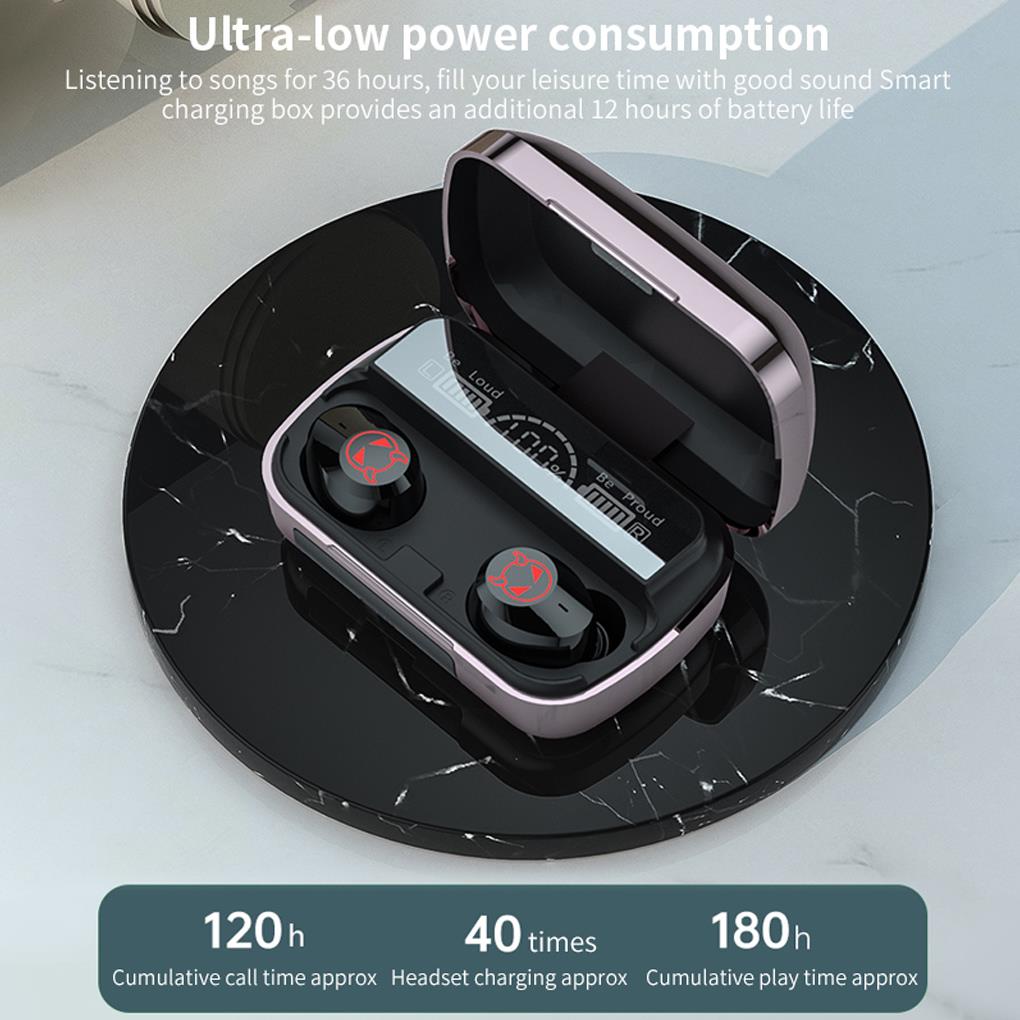
- Music playback: approximately 1–2 hours
- Talk time: approximately 2–3 hours
- Standby time: approximately 6 hours
- Earbud charging time: approximately 70 minutes
- Charging case charging time: approximately 1 hour
- Charging case can recharge the earbuds approximately 3 times
- Charging voltage: 5V
Battery performance may vary depending on volume level, usage, connected device, and other conditions.
Simple Pairing
- Turn on the charging case.
- Remove or activate the earbuds.
- Open the Bluetooth settings on your phone or compatible device.
- Find the earbuds in the available device list.
- Select them to connect.
Once paired, the earbuds can automatically reconnect to the previously connected device when powered on.
What’s Included
- Wireless earbuds
- Charging case
- Charging cable
- User manual


Use steps and special instructions
Turn on the charging box switch (blue or red).
(Important note: Open the charging box before opening the charging box. This is the prerequisite for the headset to open automatically)
Pair with other devices: open the settings of the mobile phone or other devices —– search for the name, click to connect to
The earphone is placed in the charging box to enter the charging mode, and the earphone is automatically turned off.
The left and right earphones of the wireless headset can be separated and linked separately, and other devices can also be used
The wireless headset will automatically turn off if the device is not connected for 5 minutes.
Headphone touch function description:
After turning off the phone and then turning it back on, the headset will automatically connect back to the phone; otherwise, the headset will automatically reconnect to the phone.
The whole machine has voice prompts;
The headset is a two-channel call. There is sound in the left and right ears;
Pairing method:
Long press the blue light to blink in pairing mode, wait after startup
Automatic pairing (one of them is not flashing successfully paired) to connect to the phone’s.
The two mobile phones can be connected separately or used separately. (Connect 1 headset to 1 phone)
1 review for Wireless Earphone Sports Red Pink Yellow Blue Earbuds
You must be logged in to post a review.
Related products
-
- Earbud Headphones, Electronics, Headphones
Wireless Earbuds In-Ear Headphones
- $15.90
- Select options This product has multiple variants. The options may be chosen on the product page
-
- Earbud Headphones, Electronics, Headphones
TWS Bluetooth Earphones
- $29.00
- Select options This product has multiple variants. The options may be chosen on the product page
-
- Sale!
- Earbud Headphones, Electronics, Headphones
Lenovo LP10 Wireless Earbuds
- Original price was: $49.00.$29.90Current price is: $29.90.
- Select options This product has multiple variants. The options may be chosen on the product page


Eli –
Amazing comfortable and good quality product